The way to get more Google reviews is to ask every customer, at the right moment, with a link that takes them straight to the review box. That is it. No discount, no prize, no "only if you were happy". Google's rules and UK consumer law both allow a plain, polite request to anyone who has used you, and both come down hard on almost everything cleverer than that.
Since April 2025 the stakes are higher. Fake reviews and hidden incentives are now banned outright in UK law, the Competition and Markets Authority can fine businesses directly, and Google has promised the CMA it will flag profiles that cheat. Here is how to grow your reviews without ending up as an example.
Why do Google reviews matter so much?
Because they help you show up and they help people choose. Google's own local ranking help page says prominence is partly based on "how many reviews you have" and that "More reviews and positive ratings can help your business's local ranking." We cover the rest of that ranking picture in our Google Maps guide.
People read them, too. The CMA estimates that as much as £23 billion of UK consumer spending a year is potentially influenced by online reviews. And reviews now feed AI answers as well as Google: when someone asks ChatGPT, Gemini, Perplexity or Copilot for a good local firm, review sites and Business Profiles are among the sources they lean on, as we explain in our guide to GEO.
What is the simplest way to get more reviews?
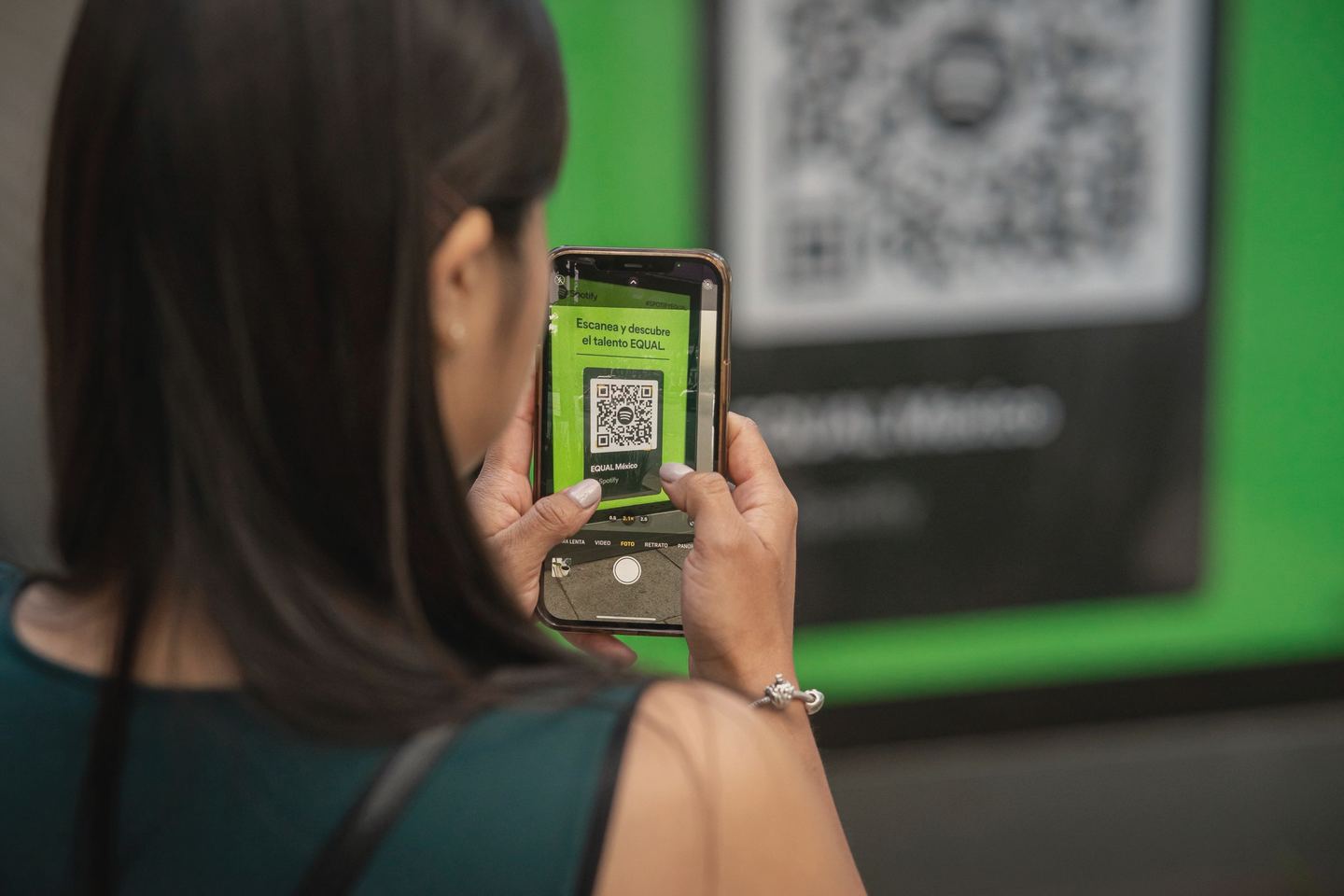
Ask. Google's tips to get more reviews start with reminding customers to leave one, using a Google link or QR code. It works more often than people expect: in BrightLocal's 2026 survey of 1,002 US consumers, 83% of people asked to leave a review went on to leave one. That is an American sample, so treat the number as a sign, not a forecast, but the direction is hard to argue with.
To get your link, Google's help page on review requests says to go to your Business Profile, choose Read reviews, then Get more reviews. You can copy the link, or download the QR code (for now the QR code only comes from a computer browser, not a phone). Google suggests putting it:
- on your receipts,
- in thank you emails,
- at the end of a chat with a customer,
- on a printed QR code in your shop.
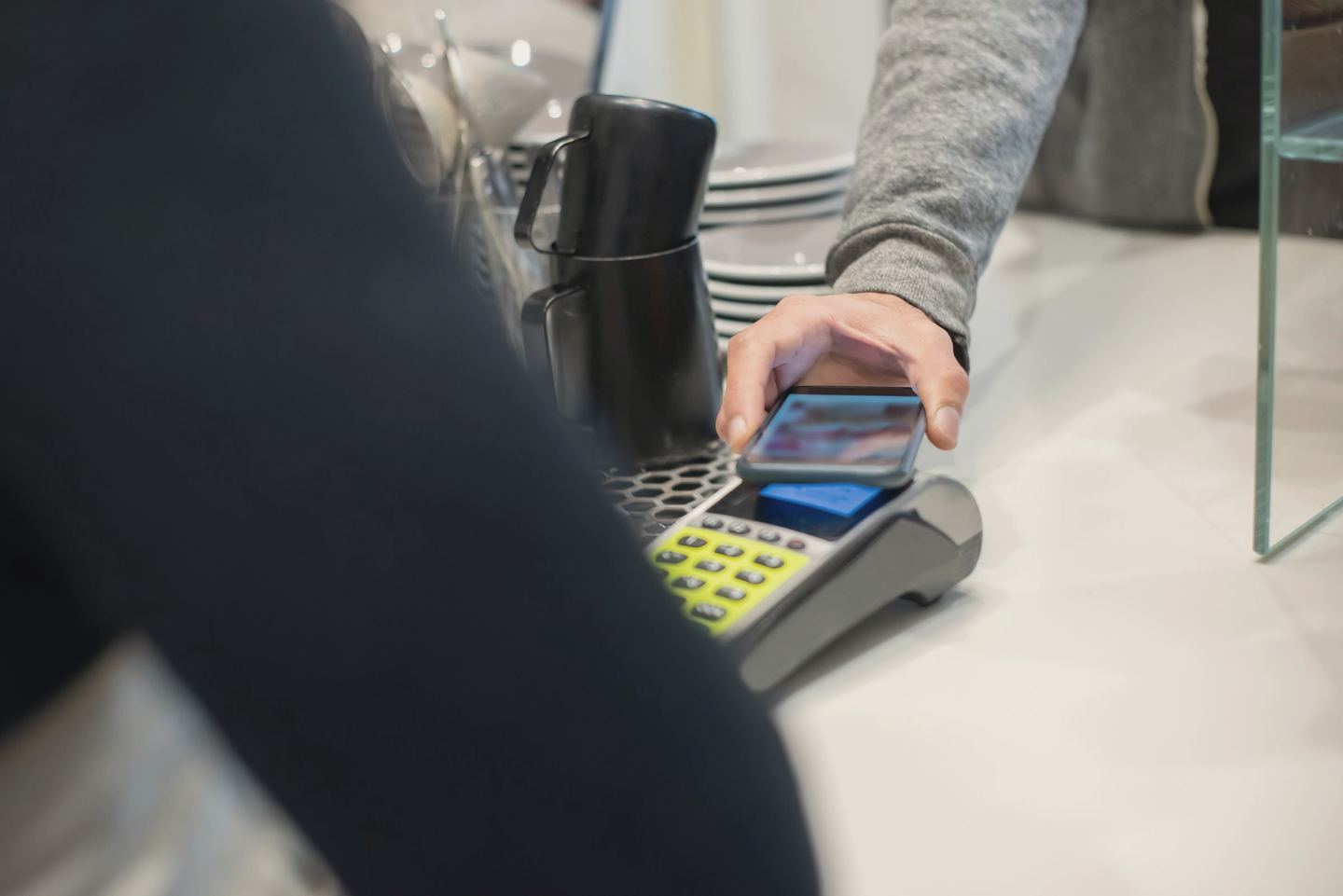
It also mentions sending requests by email, WhatsApp or a Facebook post. One practical snag: customers must be signed in to a Google Account to leave a review, so a link they can tap later at home usually beats a QR code on the way out of the door.
When and how to ask
Ask once the job is done and the customer has had a chance to judge it: the boiler is working, the accounts are filed, the meal is eaten. Keep the message short, use their name, and say plainly that you would value an honest review. Then make it a habit for every customer, not a burst when business is quiet. Reviews that arrive steadily look like what they are: a busy, real business.
What does Google not allow?
Google's Maps content policy treats all of these as fake engagement. Merchants may not:
- Offer incentives. No "payment, discounts, free of cost goods and/or services" in exchange for a review, or for changing or removing a negative one.
- Cherry-pick. You may not "Discourage or prohibit negative reviews, or selectively solicit positive reviews from customers".
- Pressure people on the spot. Merchants "should not require or pressure users to leave ratings or write reviews while on the premises".
- Script the review. No asking for specific content, including naming a member of staff, and no setting staff a target number of reviews to collect.
- Review yourself. Content "based on a conflict of interest" is out, and Google says that can include current or former employment, contractual relationships, family and competitors.
What Google does allow is simple: you can "Solicit or encourage the posting of content that does represent a genuine experience, without offering incentives to do so or attempting to influence the rating or the contents of the review."
What does UK law say about reviews?
Since April 2025, fake reviews and concealed incentivised reviews have been a banned practice under the Digital Markets, Competition and Consumers Act 2024. The CMA's guidance collection says behaviour under a banned practice "is automatically unfair and illegal", and the CMA can now issue fines itself, without going to court first.
The CMA's short guide for businesses boils it down: do not pretend to be a customer, do not commission fake reviews, and do not offer money or gifts to customers for positive reviews. It warns that breaking consumer protection law can lead to a fine of up to 10% of global turnover. It also says that if you hire a PR, marketing or SEO agency, you may be liable for what they do, so make sure they follow the rules too. That includes us.
The detailed fake reviews guidance (CMA208) adds three points worth knowing:
- Asking is fine. Encouraging reviews "without predetermining the contents or sentiment", for example by emailing customers generally to ask if they would like to leave one, is not prohibited.
- Staff count. Asking a member of staff to review your own business can count as commissioning a review.
- Incentives must be visible. The law allows an incentivised review only if it is clearly labelled and still genuine. Google does not allow incentives at all, so on Google the answer is simply no.
The rule of thumb is short enough to pin to the till: ask everyone, offer nothing, change nothing.
Is it OK to only ask happy customers?
No. This is the one that catches decent businesses out. The trick is often called review gating: send a quick "How did we do?" message, point the happy people to Google and route the unhappy ones to a private feedback form. Google's policy bans selectively soliciting positive reviews. The CMA's guidance says cherry-picking can be done "by encouraging just those who are satisfied to leave reviews", and lists it under publishing reviews in a misleading way.
By all means ask for feedback privately as well. Just send the Google link to everyone, whatever they told you.
What happens if you get caught?
On Google, the penalties are visible to every customer. Google's page on Business Profile restrictions says it may stop a profile receiving new reviews, unpublish its existing reviews for a set period, and display a warning that fake reviews were removed. Those match the undertakings Google gave the CMA in January 2025, which also say repeat offenders will have all their reviews deleted for six months or more.
The regulator is now using its new powers. In March 2026 the CMA opened investigations into five businesses over reviews, including whether one asked staff to write positive reviews and whether another offered customers discounts on future orders for 5-star reviews without saying so. The CMA stresses it has not reached any conclusions about whether the law was broken. But the practices it chose to look at are the everyday shortcuts small businesses get tempted by.

How should you handle bad or fake reviews?
Reply to genuine bad reviews, and report only the ones that break the rules. Google's help on managing reviews says replies are posted publicly as the business, the reviewer is notified, and they can still change their review after reading your reply. A calm, specific answer that puts things right is the best chance you have of that happening. Offering a refund or a gift card in exchange for changing the review is not: the CMA gives exactly that as an example of commissioning a review.
For reviews that are spam, abusive or not from a real customer, Google's reporting page explains how to flag them from your profile or the Reviews Management Tool, and says evaluation typically takes several days. It is also blunt that you should not report a review just because you disagree with it.
If a sudden run of one-star reviews arrives with a demand for money to make them go away, that is an extortion scam. Google's advice is not to engage or pay, to gather screenshots, and to report it through its merchant extortion form.
Where do I start?
This week, get your review link from your Business Profile and put it in your invoice template, your thank you email and your text message sign-off. Agree with everyone who deals with customers that the link goes to every customer, with no conditions and no rewards. Then reply to every review that comes in, good or bad, within a few days. Check back in three months and count.
If you would like a hand setting up the link, the replies and the rest of your Google Business Profile, that is part of our local SEO service. For a free first look at whether your website backs up your listing, run it through Spyglo.
Questions
Got a quick question about this?
Can I offer a discount or prize draw for a Google review?
Not on Google. Its Maps policy bars incentives such as payment, discounts or free goods or services in exchange for a review, and treats them as fake engagement; that list is examples, not the whole of it. The CMA's guidance says a prize draw is unlikely to count as commissioning a review under UK law, but Google's rules are stricter, so the safe answer is to ask and offer nothing in return.
Can my staff or family leave reviews for my business?
They should not. Google's policy removes content based on a conflict of interest, which it says can include current or former employment and family relationships. Under UK law, the CMA's guidance says asking a member of staff to review your business can count as commissioning a review. Ask your customers instead, and let staff hand them the link.
Can I get a bad Google review removed?
Only if it breaks Google's policies, such as spam, abuse or a review from someone who was never a customer. You can report it from your Business Profile, and Google says checks usually take several days. A genuine review you disagree with will stay, so reply politely, put things right if you can, and never offer anything in return for changing it.
More reading
Keep going.
Can ChatGPT, Gemini and Claude actually see your website? How to check

How to get your business showing on Google Maps
What is GEO? A plain English guide to getting recommended by AI
Is SEO still worth it now Google answers with AI?