


AI Overviews are the AI written summaries Google now puts above the normal results for many searches. For a small business they mean two things. Fewer people click through to websites when one appears, and the businesses that do get mentioned are, mostly, the ones already doing ordinary SEO well.
As of October 2026 you also have two new tools you did not have a year ago: a report in Search Console showing how often you appear in Google's AI answers, and a switch to opt out of them altogether. This guide covers what they are, what the evidence says about clicks, and what is worth doing about it.
What are Google AI Overviews?
An AI Overview is a short summary written by Google's AI, shown at the top of the results, with links to the pages it drew on. Google's help page for searchers says they appear "when our systems determine that generative AI can be especially helpful", and its guide for site owners says they help people "get to the gist of a complicated topic or question more quickly". AI Mode is the bigger sibling: a full conversational search for questions that need comparing and reasoning.
To build an answer, Google uses what it calls query fan-out, running several related searches across subtopics and then writing one response from what comes back. So a single question like "best way to insulate a Victorian terrace" can pull in pages that rank for a handful of related searches, not just that one.
Do AI Overviews show in the UK?
Yes, and they have for a while. Google announced on 15 August 2024 that AI Overviews were coming to the United Kingdom, India, Japan, Indonesia, Mexico and Brazil, rolling out over several weeks. Your customers here have been seeing them for more than two years.
Searchers cannot switch them off. Google's help page says "Features cannot be turned off", though anyone can tap the Web filter after a search to see plain links without the AI summary.
Do AI Overviews mean fewer clicks?
On the evidence so far, yes, for the searches where they appear. One of the most careful studies is from Pew Research Center, which tracked the real browsing of 900 US adults in March 2025. When a Google results page had an AI summary, people clicked a normal result on 8% of visits, against 15% when there was no summary. They clicked a link inside the summary itself on just 1% of visits, and they were more likely to end their browsing there altogether.
SparkToro's 2026 study of Similarweb panel data found that 68.01% of US Google searches from January to April 2026 ended without a click, up from 60.45% in its 2024 study. It calls that rise "almost certainly driven by" the growth in AI Overviews, though it is open that the two years come from different panels of users. A follow-up across five more countries found the UK had the highest rate of zero-click searches of all of them.
Google's side of the story is that the clicks it does send are better. Its guide for site owners says that when people click from a page with an AI Overview, "these clicks are higher quality", meaning visitors tend to spend longer on the site. Google has not published the numbers behind that, so treat it as a claim rather than a finding.
The question an AI Overview answers for free was never the one that paid your bills. The search that ends in a phone call still needs someone to call.
How does Google choose which sites to show?
The same way it chooses what to rank, according to Google. Its guide to generative AI search, updated in July 2026, says SEO best practices "continue to be relevant" because these features "are rooted in our core Search ranking and quality systems". Its documentation says a page only needs to be indexed and eligible to show with a snippet, and that "There are no additional technical requirements."
The same guide does some useful myth busting. You do not need special AI text files, extra markup or Markdown versions of your pages to appear. What it asks for instead is non-commodity content: "unique expert or experienced takes that go beyond common knowledge." For a local firm, that is good news. Your prices, your process, the jobs you turn down and why, the questions customers actually ask you: nobody else can write those pages.
What should a small business actually do?
Mostly the unglamorous basics. All but the last of these come straight from Google's AI features guide:
- Let Google in. Make sure crawling is allowed in robots.txt and by any firewall or hosting service in front of your site. We cover how to check in our guide to whether AI can see your website.
- Put the important words in text. Services, area, prices and contact details belong in the page, not only in images or PDFs.
- Link your own pages together so each service page is easy to find from the rest of the site.
- Keep your Business Profile current. Google says Business Profiles "can help your products and services to be visible" in AI responses as well as normal results. Our Google Maps guide walks through it.
- Make structured data match the page. If you use schema markup, it should say what the visible text says.
- Win the searches that end in action. Quotes, bookings, "near me" and your own name. These are the searches where people still need to pick someone, whatever the summary says.

How can you see if you appear in AI Overviews?
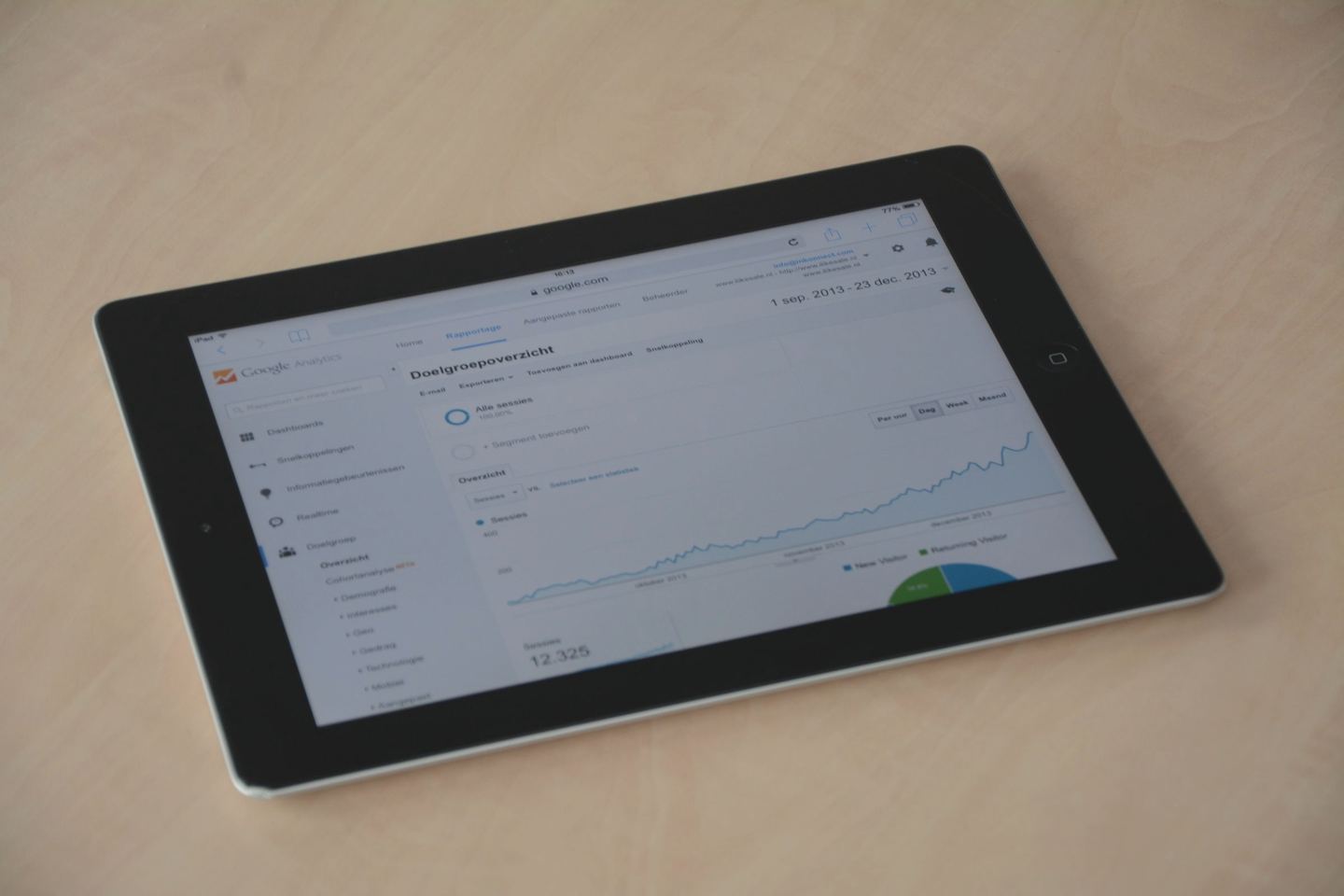
Open Search Console. In June 2026 Google started rolling out a Generative AI performance report, and its help page says it reached all websites worldwide on 31 August 2026. It covers AI Overviews and AI Mode, and shows how often links to your site were shown in them, which pages appear most and least, and the split by country, device and date.
It counts impressions, not clicks. Visits from AI features still sit inside your normal Performance report under the Web search type, mixed in with everything else. So use the new report to see which pages Google trusts enough to cite, and keep judging success by the things that pay: calls, enquiries and bookings.
It is also worth asking Gemini, ChatGPT, Claude, Perplexity and Copilot the same questions your customers would. Google is not the only place people ask any more, and each assistant picks its sources its own way.
Should you opt out of AI Overviews?
For most small businesses, no. Google announced the control in June 2026, testing it first with a subset of UK sites and saying it was working with regulators such as the Competition and Markets Authority. It is now available to every site. It lives in Search Console under Settings, Search generative AI, and covers AI Overviews, AI Mode and AI features in Discover.
Before you flick it, read what it does. Google's help page for the control says that if you exclude your site, "You won't receive any traffic or impressions from these features", while content from other sites can still appear and may look similar to yours. Google says the setting is not used as a ranking signal for the rest of Search, and that it does not affect AI training, which is handled separately by Google-Extended. Google says exclusion generally takes a few days, and some content can take longer.
That trade makes sense for a publisher whose whole business is the answer itself. For a plumber, an accountant or a café, the AI Overview is one more place your name can turn up, and opting out mostly hands that spot to a competitor.
What if an AI Overview gets your business wrong?
Report it, then fix the source. Google's help page admits that "AI responses may include mistakes". Every AI Overview has a thumbs down button with a Report a problem option, so use it, and describe the error plainly.
Then look for where the wrong fact came from. Usually it is an old directory listing, an out of date page on your own site, or a Business Profile that still shows last year's hours. Correct it at the source, keep your details identical everywhere they appear, and the summaries built on them have something better to work with.
If you would like to know how your site is doing in Google's AI answers, and what to change, that is part of our SEO service, and our GEO service covers the other assistants. For a free first look, run your site through Spyglo.
Questions
Got a quick question about this?
Can I stop my website appearing in Google AI Overviews?
Yes. Since 31 August 2026 every site can use the Search generative AI setting in Search Console to exclude itself from AI Overviews, AI Mode and AI features in Discover. Google says excluded sites get no traffic or impressions from those features, and that the setting does not affect ranking in the rest of Search. For most small businesses, switching it off costs more than it saves.
Do I need special markup or an AI file to appear in AI Overviews?
No. Google says a page only needs to be indexed and eligible to show a snippet, with no additional technical requirements, and that you do not need AI text files, new markup or Markdown copies of your pages. Clear text, sensible internal links, an up to date Business Profile and useful, original content are what it asks for.
Does Search Console show clicks from AI Overviews?
Not separately. The Generative AI performance report shows impressions: how often links to your site appeared in AI Overviews and AI Mode, by page, country, device and date. Clicks from those features are counted within the normal Performance report under the Web search type, alongside your other Google traffic, so watch enquiries and calls too.