
Probably, but not certainly. Each AI company sends its own bots to fetch web pages, and each obeys its own line in your robots.txt file. A site can be wide open to Google and still be shut to ChatGPT or Claude because of one old rule, a cautious firewall setting, or pages that only fill in their words once JavaScript runs.
The good news is that you can check all three yourself, mostly with a browser. Here is what the AI companies say their bots do, as of October 2026, and how to see whether yours are getting through.
Which AI bots visit your website, and what are they called?
Every big assistant has at least one, and most have several with different jobs. The names matter, because robots.txt rules are written per bot.
- ChatGPT: OpenAI lists OAI-SearchBot, which surfaces websites in ChatGPT search, GPTBot, which gathers material for training its models, and ChatGPT-User, which visits a page when someone asks ChatGPT to.
- Claude: Anthropic lists ClaudeBot for training, Claude-SearchBot for improving search results, and Claude-User for fetching pages when someone asks Claude a question.
- Perplexity: Perplexity lists PerplexityBot, which surfaces and links sites in its search results and is not used to train models, and Perplexity-User, which visits pages while answering a question.
- Gemini and Google's AI Overviews and AI Mode: these lean on Googlebot, the same crawler as Google Search. Google also has a robots.txt name called Google-Extended, which we come to below.
- Microsoft Copilot: Microsoft says Copilot grounds its web answers by sending searches to the Bing search service. So for Copilot, what matters is whether Bing has your pages, and Bing's crawler is Bingbot.
Does blocking AI training also block AI search?
No, and this is the bit most people get wrong. The companies split training and search into separate bots precisely so you can say yes to one and no to the other.
OpenAI says each setting is independent: you can allow OAI-SearchBot to appear in search results while disallowing GPTBot so your pages are not used for training. Block OAI-SearchBot, though, and OpenAI says your site "will not be shown in ChatGPT search answers", apart from plain navigational links. Anthropic says blocking Claude-SearchBot or Claude-User "may reduce your site's visibility" in answers to people's searches.
Google-Extended works differently again. Google's crawler documentation says it is not a separate bot at all, just a name in robots.txt that controls whether your content is used to train Gemini models and to ground answers in the Gemini apps and on Vertex AI. Google says it does not affect your inclusion in Google Search. For AI Overviews and AI Mode, Google's AI features guide says the control is your robots.txt rules for Googlebot, and a page needs to be indexed and eligible to show with a snippet.
Blocking the training bots is a perfectly reasonable choice. Blocking the search bots by accident is just a way of not being recommended.

How do you check your robots.txt?
Type your domain followed by /robots.txt into a browser, for example yoursite.co.uk/robots.txt. If nothing loads, there are no rules and every polite bot is allowed in. If a file appears, read it line by line. Each block starts with "User-agent:" and the name of a bot, or a star meaning every bot, followed by "Disallow:" lines listing what it may not visit.
The things to look for:
- "User-agent: *" followed by "Disallow: /". That shuts out every well behaved bot from the whole site. It is an easy rule to leave behind when a site is launched from a staging copy.
- A named search bot with "Disallow: /", such as OAI-SearchBot, Claude-SearchBot, PerplexityBot, Googlebot or Bingbot. Unless you meant it, delete the block.
- Long lists of AI bots added by a plugin. Some security and "AI blocker" plugins lump search bots in with training bots. Check what yours actually wrote.
Changes are not instant. OpenAI says it can take about 24 hours for ChatGPT search to adjust after you edit robots.txt, and Perplexity says up to 24 hours. And remember what robots.txt is for: Google's introduction to robots.txt says it manages crawling and "is not a mechanism for keeping a web page out of Google". Use noindex for that.
Could your firewall be blocking AI bots without telling you?
Yes. Robots.txt is a polite request. A firewall or bot protection service can turn bots away before they ever read it, and it will not send you an email about it.
The best known example is Cloudflare. In July 2025 it announced that every new domain signing up would be asked whether to allow AI crawlers, with blocking as the default. Its AI bot settings now sort bots into search, agent and training groups, so you can keep the search ones and block the rest.
If your site uses Cloudflare, a hosting firewall or a WordPress security plugin, log in and look for anything mentioning AI bots, AI crawlers or bot fight mode. Anthropic also warns that blocking its bots by IP address "may not work correctly", because it stops them reading your robots.txt at all.
Can AI bots read your pages if they rely on JavaScript?
Often not. Some websites send the browser an almost empty page and then build the text with JavaScript. People never notice. Many bots do.
A study by Vercel and MERJ, published in December 2024, found that "none of the major AI crawlers currently render JavaScript", naming OpenAI's, Anthropic's and Perplexity's bots. ChatGPT's and Claude's crawlers did download JavaScript files, but did not run them. Gemini was the exception, because it uses Googlebot's setup, which does. Bots improve, so treat that as a snapshot, but the safe rule has not changed: your business name, services, area and contact details should be in the page's HTML from the start.
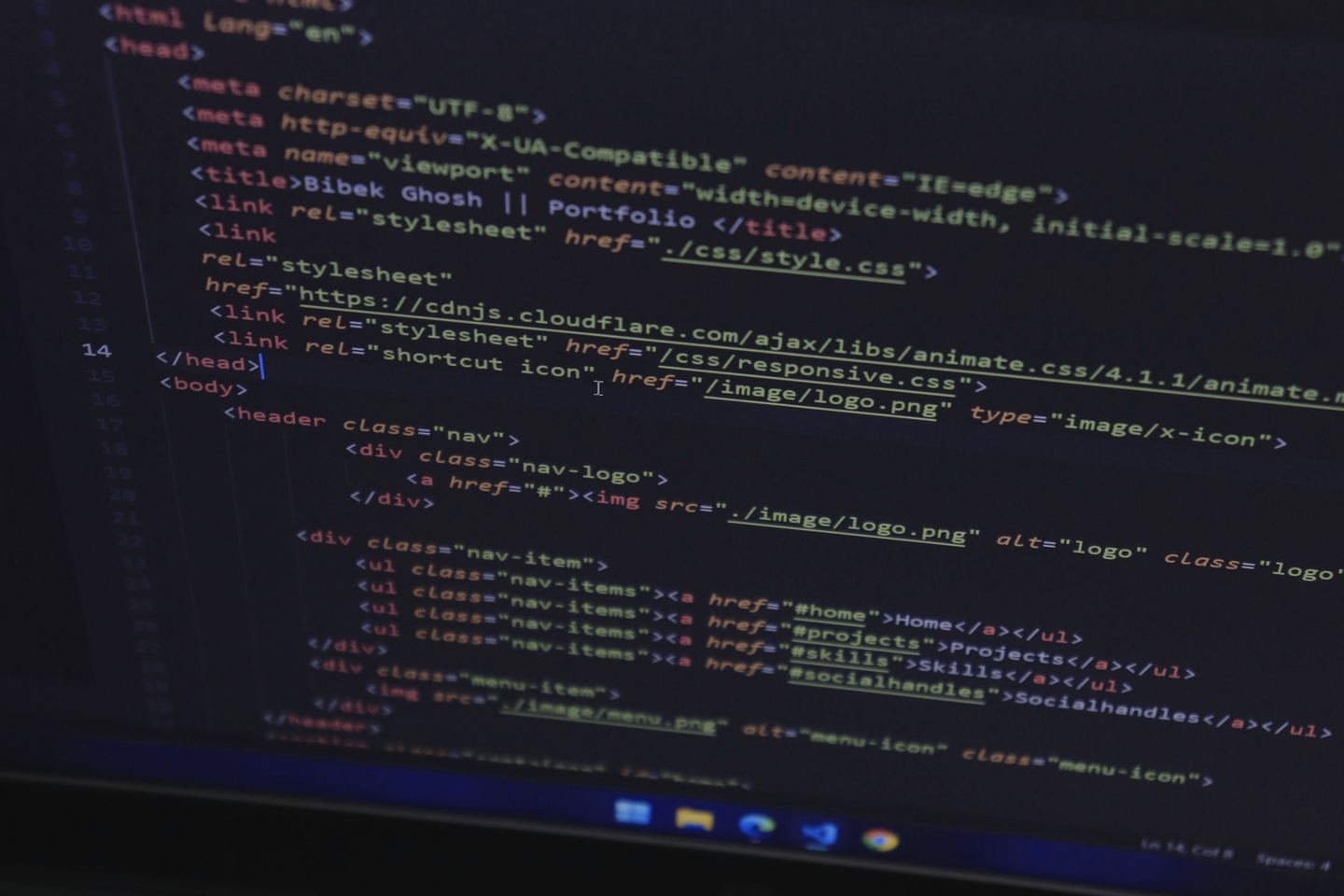
The quick test: open a page, right click and choose View page source, then search for a sentence you can see on screen. If it is in the source, bots that do not run JavaScript can read it. If the source is mostly script tags and the sentence is missing, have a word with whoever built the site.
How do you see exactly what Google sees?
Use the URL Inspection tool in Google Search Console, which is free once you have verified your site. Google's help page explains that "Test live URL" fetches the page in real time, and "View crawled page" shows the HTML Google received, the HTTP headers and a screenshot of how it rendered. If your words are missing from that HTML or the screenshot is blank, Google, and everything built on Google, is struggling too.
Google is honest about the limits: a clean live test only confirms Google can access the page, and it says there is no test that can guarantee a page will be indexed.
What do the assistants themselves say about you?
The last check is the simplest. Ask them. Open ChatGPT, Gemini, Claude, Perplexity and Copilot and try three questions: what do you know about [your business name] in [your town], who would you recommend for [your service] in [your area], and what does [your website address] say about its services.
That third question is useful, because several assistants will try to visit the page live using the user-triggered bots above. If they come back saying they cannot access it, something is in the way. Do not read too much into one answer, though. Responses vary from one ask to the next, which is why we suggest repeating the same questions over a few weeks and noting how often you are mentioned, as we explain in our plain English guide to GEO.
What does a sensible setup look like?
For most small businesses that want to be found, it is simple:
- Allow the search bots: Googlebot, Bingbot, OAI-SearchBot, Claude-SearchBot and PerplexityBot. OpenAI and Perplexity both recommend allowing their search bot and their published IP addresses if you want to appear in their results.
- Decide on training separately. Blocking GPTBot, ClaudeBot or Google-Extended is a business choice about how your content is used. It is not a visibility fix and, by the companies' own accounts, does not remove you from their search.
- Check the firewall matches the robots.txt. There is no point allowing a bot in one place and blocking it in another.
- Put the important words in the HTML, not only in JavaScript, images or PDFs.
- Re-check after any redesign, migration or new security plugin. Those are the moments a block can slip in unnoticed.
An llms.txt file is optional and not part of this list. We explain why here.
If you would like someone to run these checks properly and fix what turns up, that is where our GEO service starts, and our web design team builds sites with the words in the HTML from day one. For a free first look, run your site through Spyglo.
Questions
Got a quick question about this?
Will blocking GPTBot stop my business appearing in ChatGPT?
Not by itself. OpenAI says GPTBot is for training its models and OAI-SearchBot is for ChatGPT search, and that each setting is independent. You can block GPTBot and still allow OAI-SearchBot. If you block OAI-SearchBot, OpenAI says your site will not be shown in ChatGPT search answers, apart from navigational links.
How long does it take for AI assistants to notice a robots.txt change?
OpenAI says ChatGPT search can take about 24 hours to adjust after you update robots.txt, and Perplexity says changes may take up to 24 hours to show in its systems. Being picked up in answers can take longer, because the bots still have to come back, read your pages and weigh them against everything else.
Does blocking Google-Extended remove me from AI Overviews?
Google says Google-Extended does not affect inclusion in Google Search. It controls whether your content is used to train Gemini models and to ground answers in the Gemini apps and on Vertex AI. For AI Overviews and AI Mode, Google says the control is your robots.txt rules for Googlebot, plus snippet controls such as nosnippet.