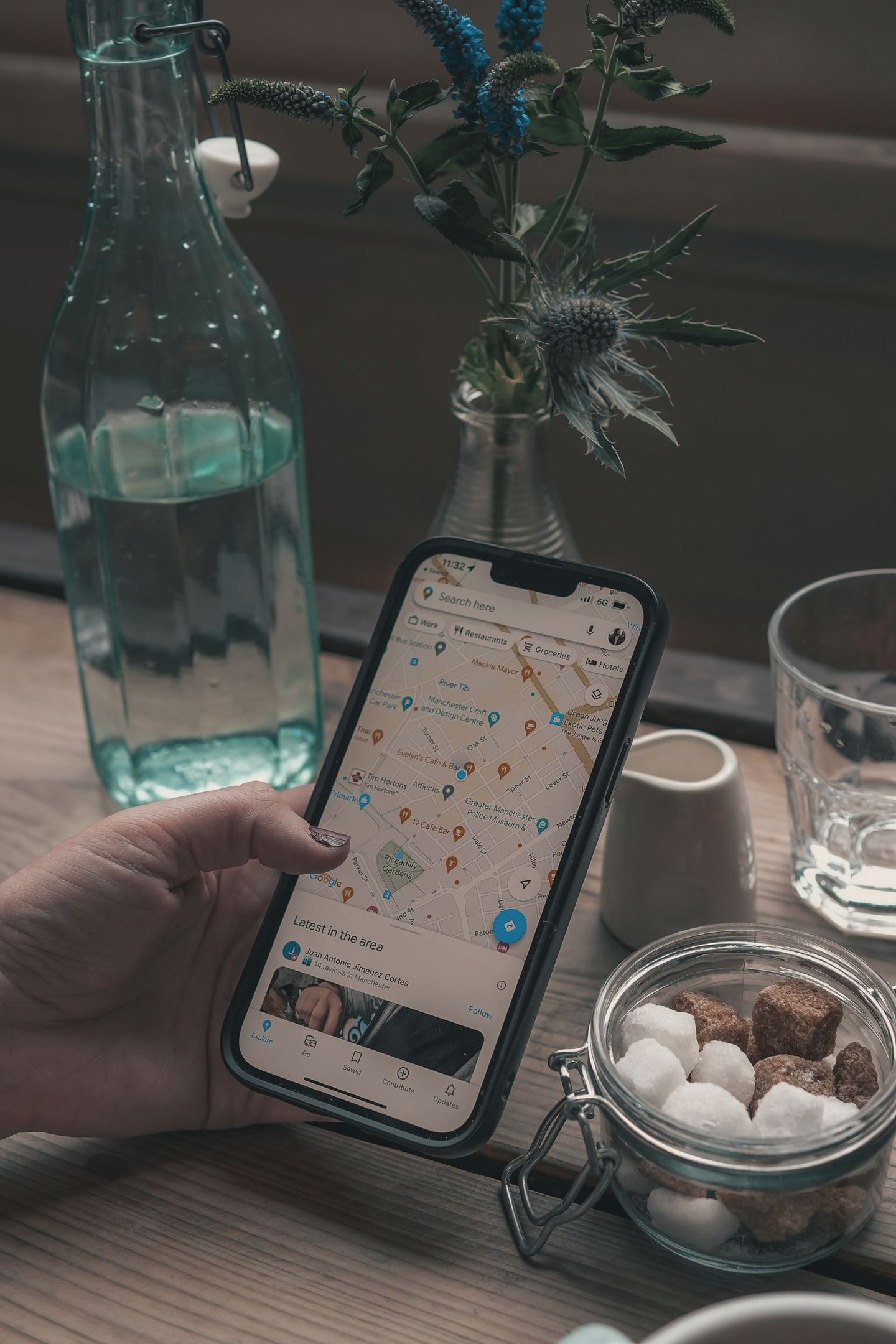

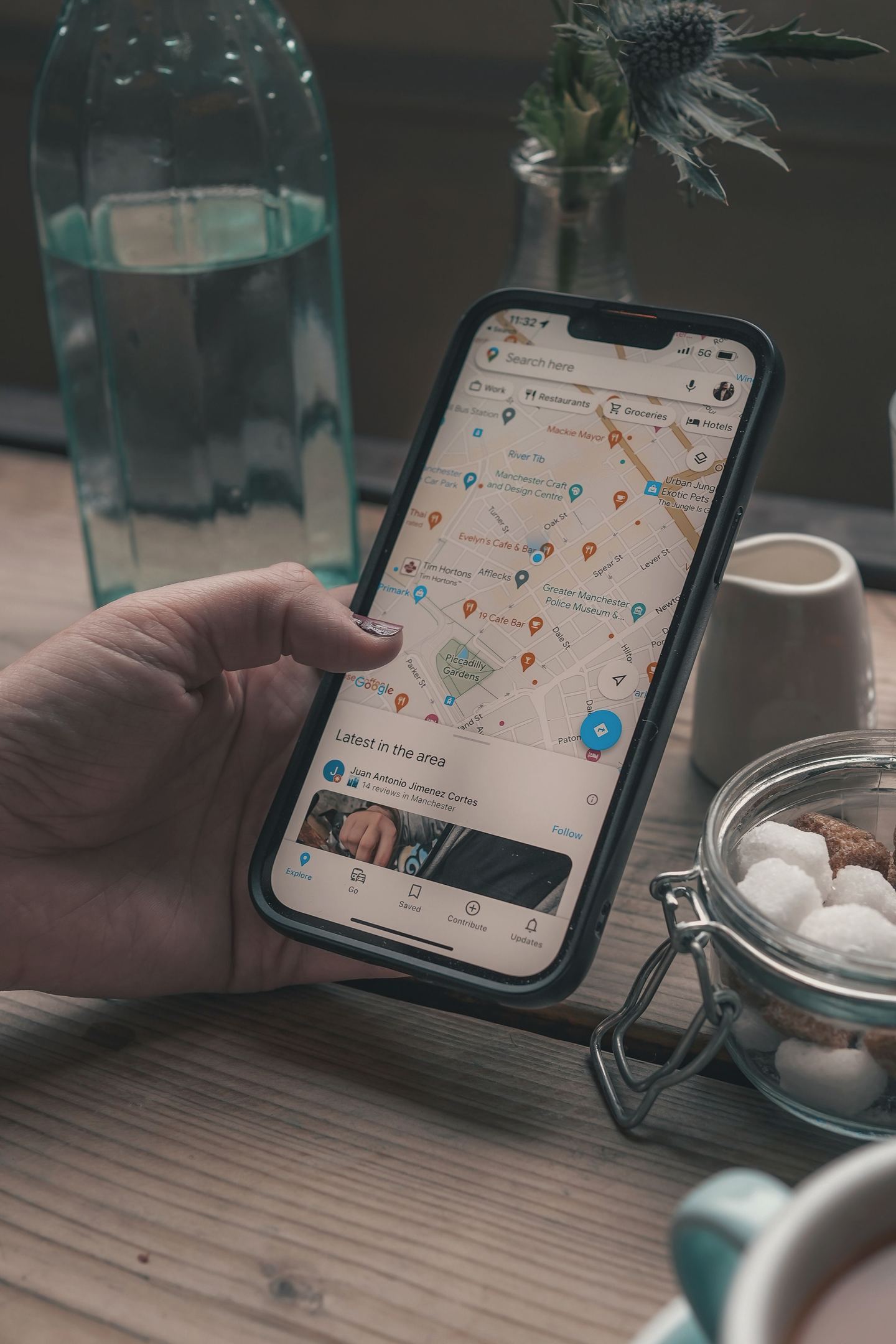
You get your business on Google Maps by creating or claiming a free Google Business Profile, verifying that you run it, and filling it in properly. Google says you can add or claim your business at no charge, and once it is verified your details show on both Maps and Search.
Being on the map is the easy part. Turning up when someone three streets away searches "plumber near me" depends on how complete, accurate and well reviewed your profile is. Here is the whole job, in the order you will do it, using what Google itself publishes.
Is it free to get on Google Maps?
Yes. A Business Profile costs nothing to create, claim or manage. Google is also clear that there is no way to request or pay for a better local ranking. Ads can put you above the map results, but they are a separate product, and they do not change where your free listing ranks.
So if anyone offers to sell you a top three spot on the map, with a promise attached, you now know what Google thinks of that.
Can every business have a Google Maps listing?
No. Google's getting started guide says only businesses that make face-to-face contact with customers are eligible. That means places customers visit, like a shop, salon or garage, and businesses that visit customers, like plumbers, cleaners or mobile dog groomers. Online-only businesses are not eligible, and nor are properties for rent or sale.
How do you add or claim your business?
First, check whether Google already has a listing for you. It often does, built from public information, even if you never made one.
- Search Google Maps for your business name and town. If a listing appears with a "Claim this business" link, it exists but nobody has verified it. Select it, choose Manage now, and follow the steps.
- If there is no listing, go to business.google.com/add, choose to add your business, and work through the details: name, category, address or service area, phone number and website.
- If someone else has already verified it, perhaps a former employee or an old agency, Google lets you request ownership from the current owner rather than starting again.
You need a Google Account to do any of this, but it does not have to be a Gmail address. Google suggests linking your company email if you have one, which also makes handing over access easier later.
How does Google verify your business?
Verification proves you really run the place, and you cannot edit your details or reply to reviews properly until it is done. Google's verification help page says the methods are chosen by Google and cannot be changed. Depending on your business type and area, you might be offered:
- Phone or text: a code sent to your business number. Automated phone menus will not receive it, so make sure a person or a mobile can answer.
- Email: a link sent to an address on the verification screen.
- Video: a recording or a live call showing your signage, your premises or equipment, and something only the owner could access, such as unlocking the door or a staff only area. Google recommends video where it is offered.
- Postcard: a code posted to your address. Google says most arrive within 14 days and codes expire after 30. While you wait, do not change your name, address or category, and do not request another code, or the first one stops working.
Google also says it will never ask you for your verification code. Anyone who phones asking for it is not Google.


What can and cannot go on your listing?
This is where most avoidable trouble starts. Google's guidelines for representing your business are long, but the important rules are short:
- Use your real name. The one on your signage, website and invoices. Adding keywords, taglines, towns or phone numbers to the name is not allowed and can get your profile suspended. "Smith Plumbing" is fine. "Smith Plumbing Emergency Plumber Stockton 24/7" is not.
- Use a real address. PO boxes and virtual offices are not eligible. A desk in a co-working space only counts if it has clear signage and is staffed and open to customers during your hours. If you show your address, Google expects permanent signage there.
- Hide your address if customers do not come to you. A plumber working from home should clear the address and set a service area instead. Google says that area should usually be no more than about two hours' drive from your base.
- Choose as few categories as describe you. Google asks for the fewest categories that cover your core business. One accurate category beats five hopeful ones.
- One profile per location. Duplicate listings confuse Google and customers, and break the rules.
Why is my business not showing up on Google Maps?
Usually because the listing is unverified, incomplete, or simply less relevant, further away or less well known than the businesses that do show. Google says local results are based mainly on three things:
- Relevance: how well your profile matches what someone searched for. Complete, detailed information helps Google make the match.
- Distance: how far you are from the person searching, or from the place they named. You cannot change this one, which is why the same search gives different results in Stockton and Hartlepool.
- Prominence: how well known you are. Google says this draws on things like how many websites link to you and how many reviews you have, and that more reviews and positive ratings can help.
Google's Search Central guide makes the same point from the website side: claim and verify the profile, then make sure your own site backs it up with the same details.
You cannot move your business closer to every customer. You can make it the most complete, accurate and well reviewed option nearby.
What should a complete profile include?
Google's own list is the right place to start: your full address if customers visit, your opening hours including holiday hours, your category, and details like parking or wheelchair access. Then add photos and videos of the real place and the real work, and keep them current. Retail shops in eligible areas can also list in-store products.
Most of all, keep it accurate. Google says if your information is wrong, your profile might not show up for relevant searches, and nothing loses a customer faster than turning up to a closed door.

How do reviews help, and how do you get more?
Reviews feed prominence, and they are often the first thing a customer reads. Google's advice on getting reviews is refreshingly simple: ask. You can create a short link or QR code from your profile and share it after a job.
What you must not do is pay for them. Offering discounts or freebies in exchange for reviews, or for changing or removing bad ones, counts as fake engagement and is strictly prohibited. Reply to reviews, good and bad, politely and briefly. Google notes that a mix of positive and negative feedback often feels more trustworthy than a wall of five stars.
Does your Google Maps listing matter for AI search?
Increasingly, yes. BrightLocal's 2026 study of 1.9 million AI citations found Google Business Profile made up 28.5% of all citations across ChatGPT, Google's AI Overviews and AI Mode. When people ask an assistant for a local recommendation, your profile is one of the main places it looks. We cover the rest in our plain English guide to GEO.
If you would rather someone else sorted the listing, the categories and the review routine, that is part of our local SEO service. Or run your website through Spyglo, our free checker, to see whether it backs up your Google listing.
Questions
Got a quick question about this?
How long does it take to appear on Google Maps?
Once you add your business, it can appear after you verify it, and how long that takes depends on the method Google offers you. Phone, text, email and video can be quick. Google says most postcard codes arrive within 14 days. Showing up for competitive searches near you takes longer, because it depends on reviews, completeness and how well known you are.
Can I put my business on Google Maps without a shop?
Yes, if you visit customers in person. Service businesses such as plumbers, cleaners and mobile hairdressers can create a profile, hide their home address and set a service area instead. Google says that area should usually stay within about two hours' drive of your base. Businesses that only trade online are not eligible.
Why was my Google Business Profile suspended?
The most common causes are breaking Google's guidelines: keywords or locations stuffed into the business name, a virtual office or PO box as the address, or duplicate profiles for the same place. Check your listing against Google's guidelines for representing your business, fix anything that does not match the real world, and follow Google's reinstatement steps.